Frequently Asked Question
ITVDesk includes protection checks that help confirm the application is valid and has not been modified. These checks are part of the ITVDesk security model and are designed to protect the user, the computer, and the video surveillance environment.
Application verification failed
If ITVDesk shows Application verification failed, the application executable check did not pass. For security reasons, ITVDesk closes instead of continuing to run with an executable that may be corrupted, incomplete, replaced, or modified.
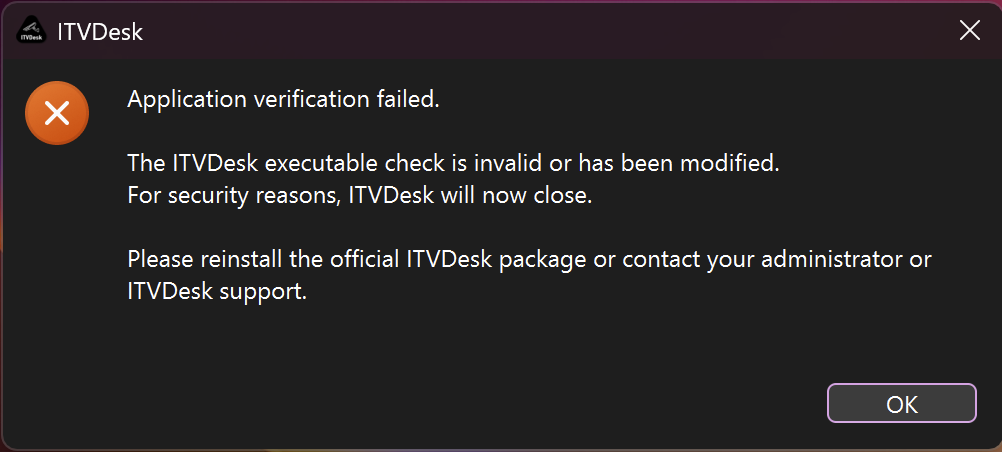
What this warning means
- The installed ITVDesk executable is not passing the expected integrity check.
- The file may have been modified, damaged, partially updated, or replaced by an unofficial copy.
- Security software, disk issues, or an interrupted update can also cause the application file to become incomplete or invalid.
What to do
- Close ITVDesk completely, including tray/background processes if they are running.
- Download the official ITVDesk package from the ITVDesk website or Customer Portal.
- Reinstall ITVDesk using the official installer/package.
- Do not use patched, modified, unpacked, or unofficial ITVDesk executables.
- If the warning appears again, contact ITVDesk support and include the ITVDesk version, operating system, screenshot, and where the installer was downloaded from.
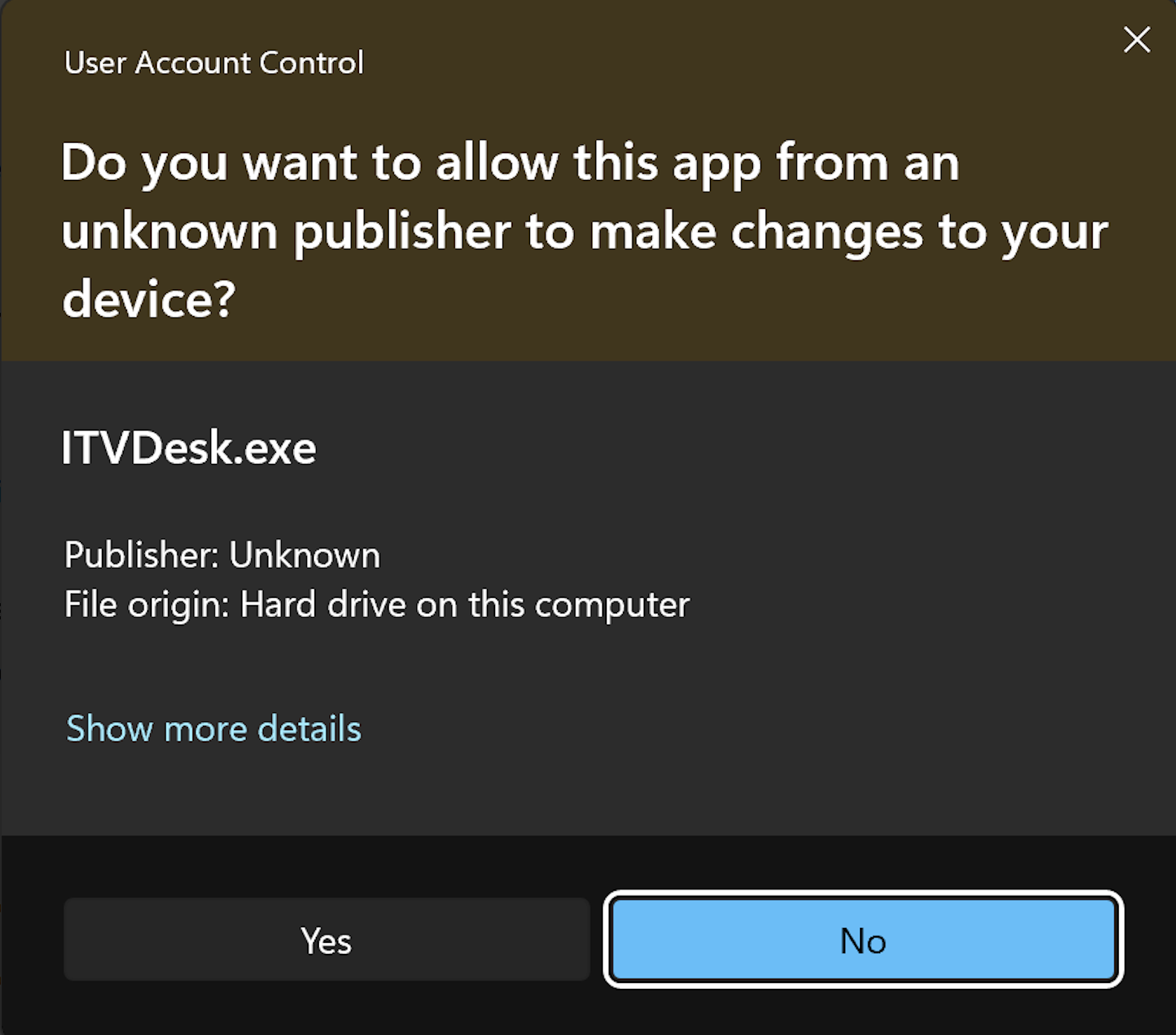
Windows User Account Control: Unknown publisher
Windows may also show a User Account Control prompt when ITVDesk needs permission to install, update, or make system-level changes. This is a Windows security prompt and is different from the ITVDesk application verification warning.
When it is safe to continue
Click Yes only when you are sure the installer or update came from an official ITVDesk source, such as the ITVDesk website, Customer Portal, or a package provided directly by ITVDesk support.
When to stop and contact support
- You downloaded ITVDesk from an unknown third-party website.
- The file name, version, or package source looks suspicious.
- The UAC prompt appears unexpectedly when you were not installing or updating ITVDesk.
- You also see the Application verification failed message after installation.
In protected or isolated networks, your administrator may require an approved ITVDesk package before installation. If you are not sure, choose No and contact ITVDesk support or your system administrator.