Frequently Asked Question
Configure video filters and image adjustments
Last Updated 3 months ago
Video filters and image adjustments help prepare the source for reliable viewing and recording. Use them when the source needs correction before it is sent to the VMS/NVR.
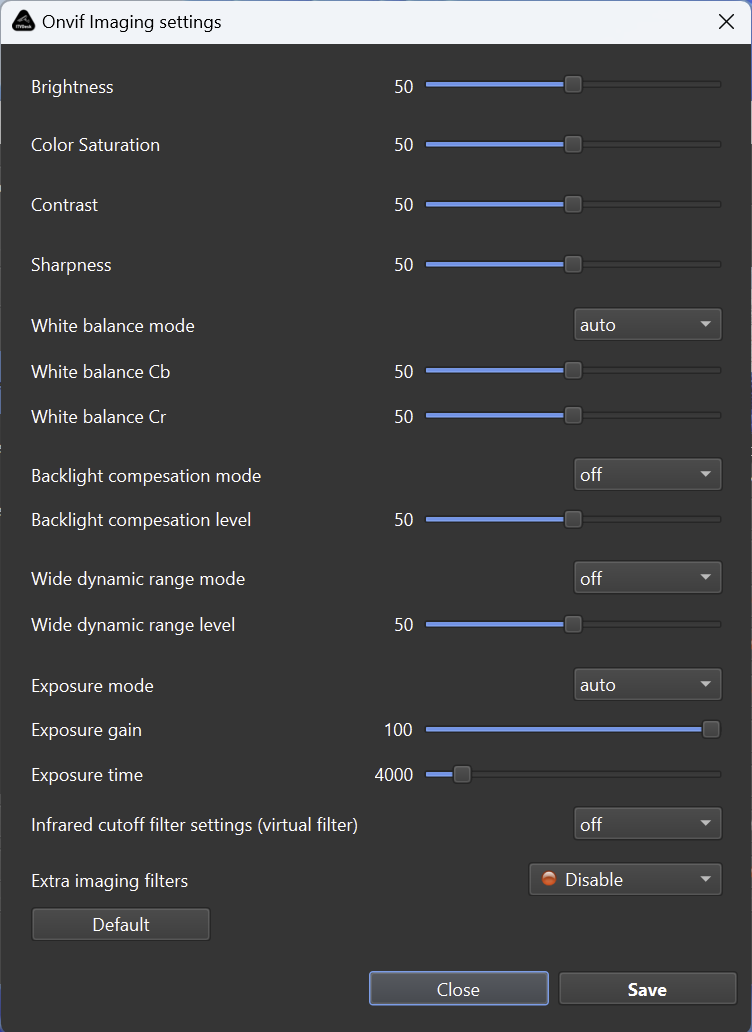
Common adjustments
- Image corrections for readability.
- Scaling or crop-related adjustments.
- Preparation of screen, webcam or external source for a fixed layout.
- Combining image settings with OSD or rotation.
Performance note
- Each processing step can increase CPU/GPU load.
- For high-resolution and multi-camera deployments, test the final profile under real conditions.
- Avoid unnecessary filters when the source is already clean.
Validation
- Always verify the final output in the recorder, because a VMS/NVR may scale or transcode the stream after receiving it.
Related documentation: