Frequently Asked Question
Startup, hidden mode, visible mode, and tray behavior
Last Updated 3 months ago
Startup and visibility settings control how ITVDesk behaves after login or reboot. This is important for unattended streaming, operator workstations and protected environments.

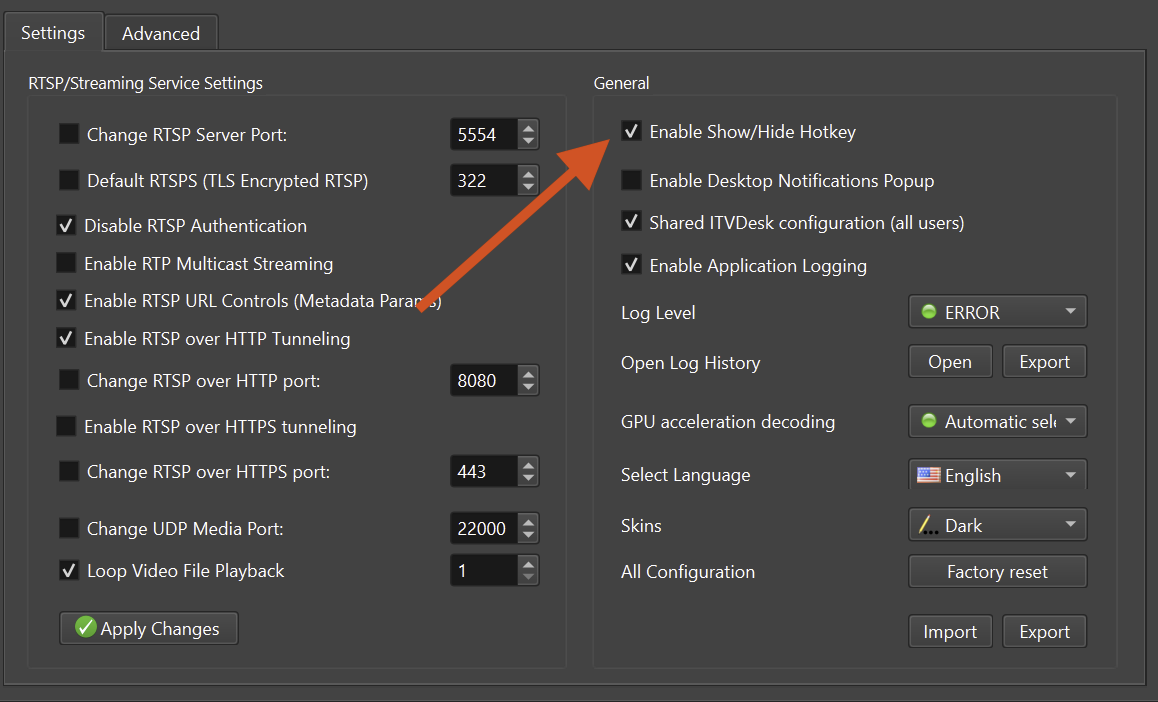
Common modes
- Visible mode: useful during configuration and testing.
- Tray/background mode: keeps streams running while the main window is not visible.
- Protected deployment: combine startup behavior with password protection and service/watchdog options.
Recommended deployment flow
- Configure and test ITVDesk while visible.
- Confirm live view and recording in the VMS/NVR.
- Enable startup/background behavior for production.
- Document how administrators can access the application later.
Operational note
- If a stream must survive user logout or reboot, verify the exact Windows/Linux/macOS startup behavior in the target environment.
Related documentation: